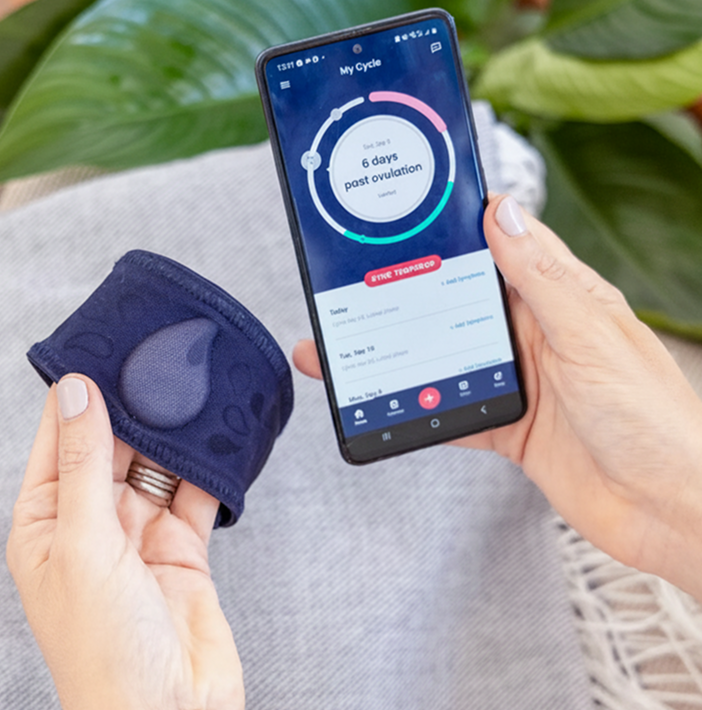
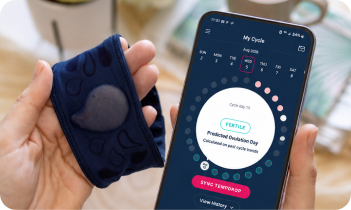

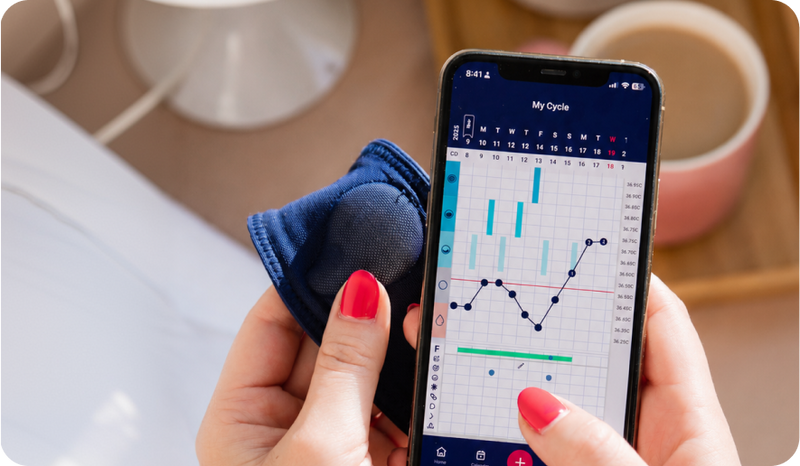


Tempdrop comes with its own app that contains a charting feature. You can record a number of symptoms alongside your BBT all in one place. The free version of the app has a fully manual mode if you prefer to interpret your own results or upgrade to premium (optional) to have the app do the work for you.
Alternately, the Tempdrop BBT sensor data can be used with any fertility charting app out there, the choice is yours!
You can manually input your Tempdrop temps each day (list view available in our app), or if your app of choice has the Tempdrop auto integration feature, this means your temps will automatically be added to your chart. Check your favourite charting app features to see if they have auto-integration with us!