×

Your coupon code has been successfully applied

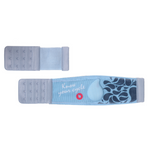
New Fabric Armband (Deep Navy) + Extender for bigger size adjustment
  • New Fabric Armband (Deep Navy) + Extender for bigger size adjustment
  • New Fabric Armband (Deep Navy) + Extender for bigger size adjustment

New Fabric Armband (Deep Navy) + Extender for bigger size adjustment

96 NIS

Armband size

Description:
New design all fabric armband for your Tempdrop sensor. Sizing: S/M fits 8.5"-15.5"/21.5cm - 39cm. L/XL fits 12.5"-18.5" /31.5cm- 47cm. Each band comes with an extender for greater size adjustment. Largest listed sizes are with extender fitted.

The product is shipped from within Israel – no customs or additional fees

Important information

Unless otherwise stated, all prices are displayed in USD. For customers in the US, EU and Israel, displayed prices include applicable taxes, and no customs fees will be charged upon delivery. For all other countries, buyers are responsible for any import duties or taxes that may be charged upon delivery.

Shipping & Delivery

Delivery within the US and the EU typically takes 4-7 business days and up to 2-4 weeks elsewhere, depending on location.

Returns & Refunds

30-Day Change of Mind
Unopened and unused items can be returned within 30 days for a refund, minus a $20 refund processing fee.

12-Month Satisfaction Guarantee
Add VIP Care Package upgrade at purchase for a one-year satisfaction refund guarantee of the product price. Upgrade package cost is non-refundable.

Shipping costs are the buyer’s responsibility, contact support to initiate a refund.
Full refund policy here.
Ovulation tracking: Four Easy Steps

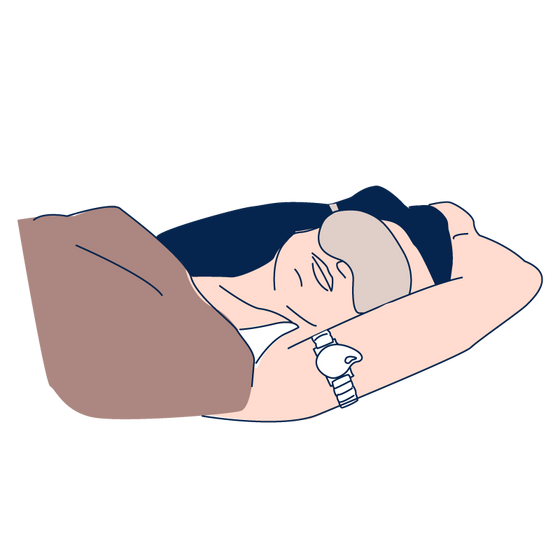
  1. Step 1 Wear before sleep

    Before you go to sleep, press the drop-shaped button to turn on your Tempdrop sensor. Place the band on your upper arm and leave it on throughout the night.

    Wear before sleep
  2. Step 2 Sync whenever

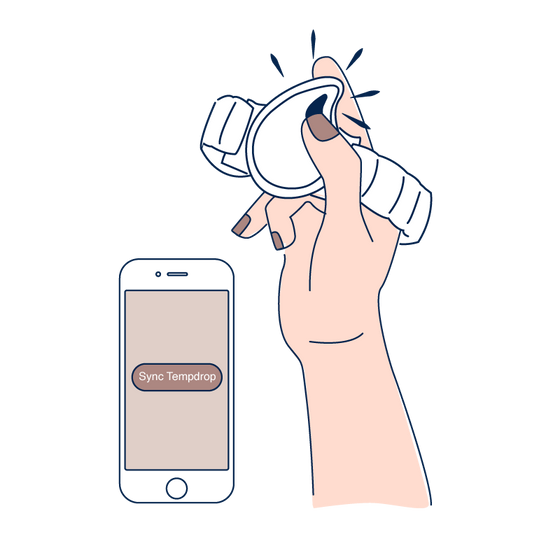
    Remove once you are up for the day and sync with the Tempdrop app whenever convenient.

    Sync whenever
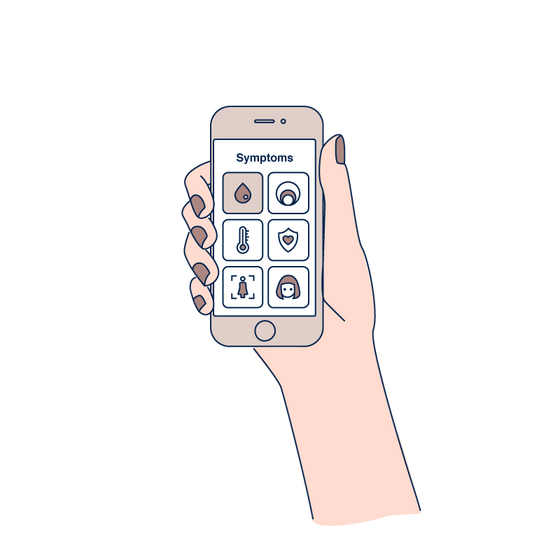
  3. Step 3 Add your symptoms

    Track your symptoms to verify ovulation and learn about your cycle phases.

    Add your symptoms
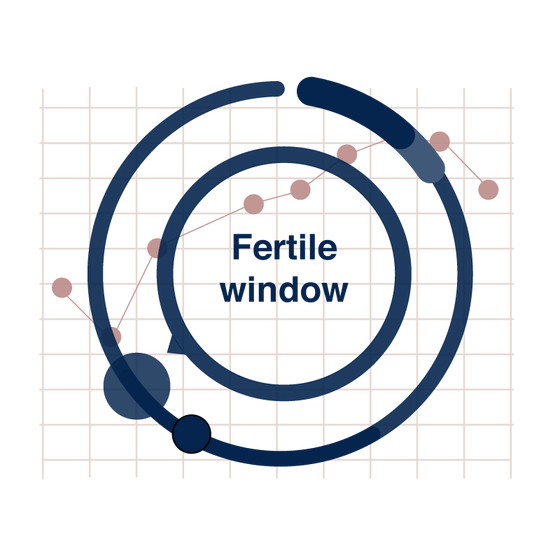
  4. Step 4 Get results

    View the chart and interpret your results. Upgrade to premium for automatic interpretation.

    Get results