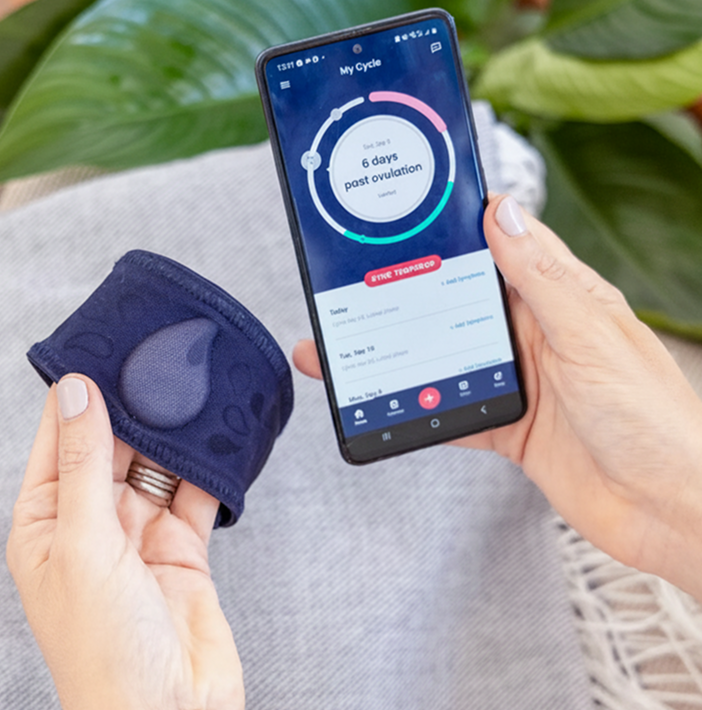

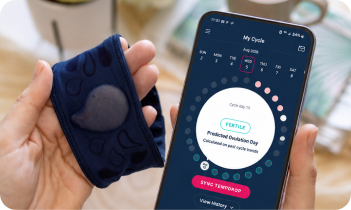




The layout of your fertility wheel changes dynamically based on your cycle length to give you the clearest data at a glance:
-
The Regular Cycle View (Day Dots): If you typically have regular cycles under 40 days, your wheel will be made up of clean, individual day dots representing each day of your cycle.
-
The Long/Irregular Cycle View (Blocked Lines): If your cycles run a bit longer, individual dots can get crowded. To keep your chart easy to read, we use continuous, color-coded blocked lines to represent your fertility phases. Why did my Tempdrop wheel switch from dots to solid lines?
If your wheel suddenly switched from the day dots layout to the blocked lines layout, it means your cycle has crossed into "long cycle" territory (longer than 40 days).
The app automatically switches your view to the solid blocked lines layout if:
-
Your average cycle length is longer than 40 days.
-
You are usually regular, but your current active cycle has exceeded 35 days.
Once you start a new cycle, if your history or trends return below the 41-day mark, your wheel will automatically switch back to the day dots view!